SAP Spend Cube
The Data Is Already There. It Was Never Compiled to Be Usable.
Years of purchasing and inventory history sit in SAP—recorded inconsistently across tables, the same supplier under four vendor IDs, material groups left blank, credits booked as spend. Logicdrop connects to the systems you already run, compiles that history into a spend cube, and releases what is trapped in inventory and your supplier base.
- 5 SAP tables compiled into one usable fact table
- 30% average reduction in redundant stock
- 5–15% of addressable spend typically opened up
- 650+ enterprise platforms already connected
Schedule a Live Demo
Thank you!
We will be in touch with you shortly.



Where Value Usually Appears Once Data Is Compilable
Once every line carries a category and a resolved supplier, inventory and sourcing opportunities become measurable against your own baseline—before anything goes to market.
Unusable SAP history
Compiled Badly, Purchasing Data Cannot Answer a Sourcing Question
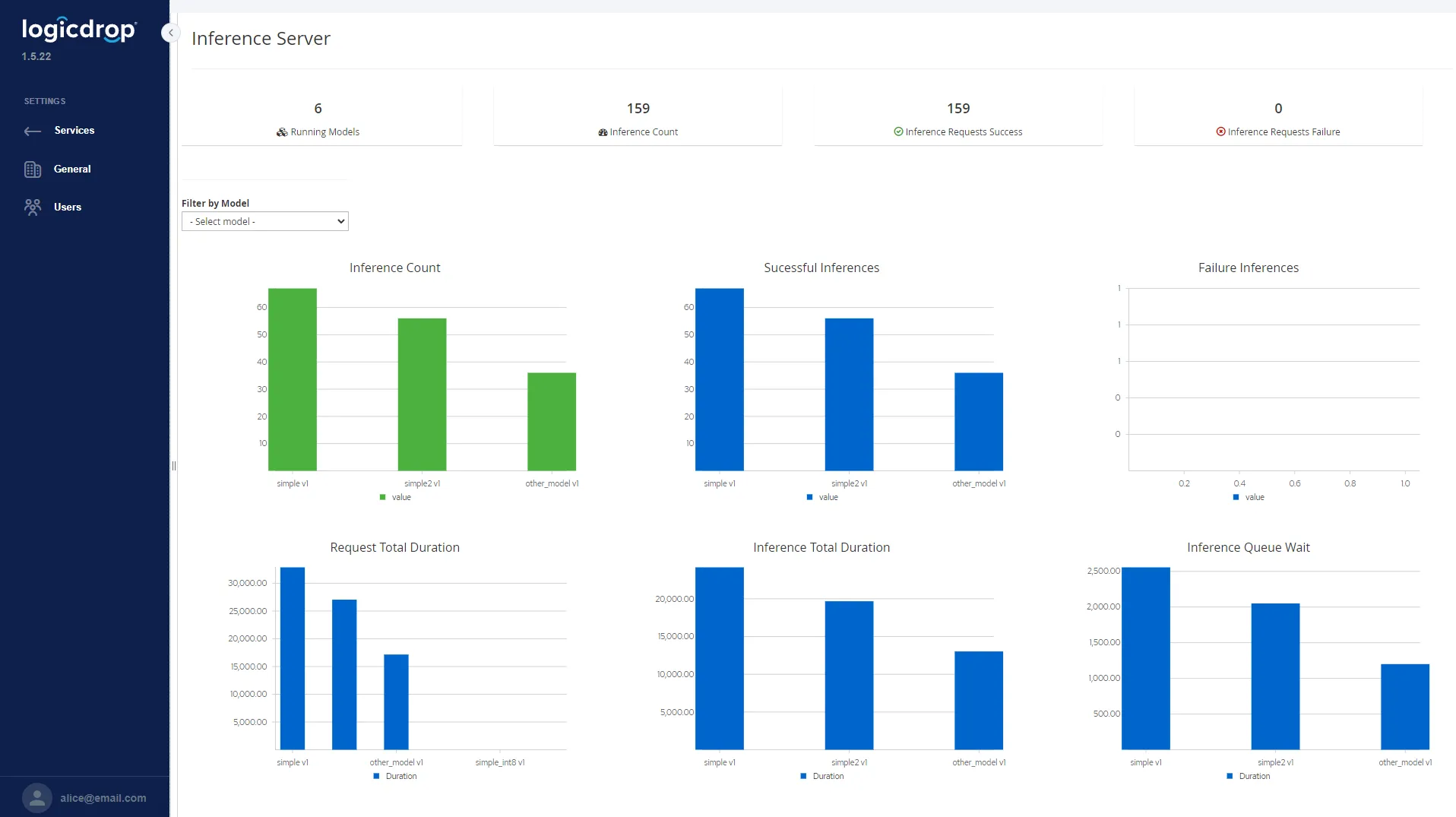
Fragmented vendors, blank categories, and credits mixed into spend keep value locked inside extracts nobody trusts. Fusion builds a spend cube so every line carries a category and a resolved supplier—then the same screens run across the whole spend base.
Spend compilation
Turn Raw SAP Extracts Into a Governed Spend Cube
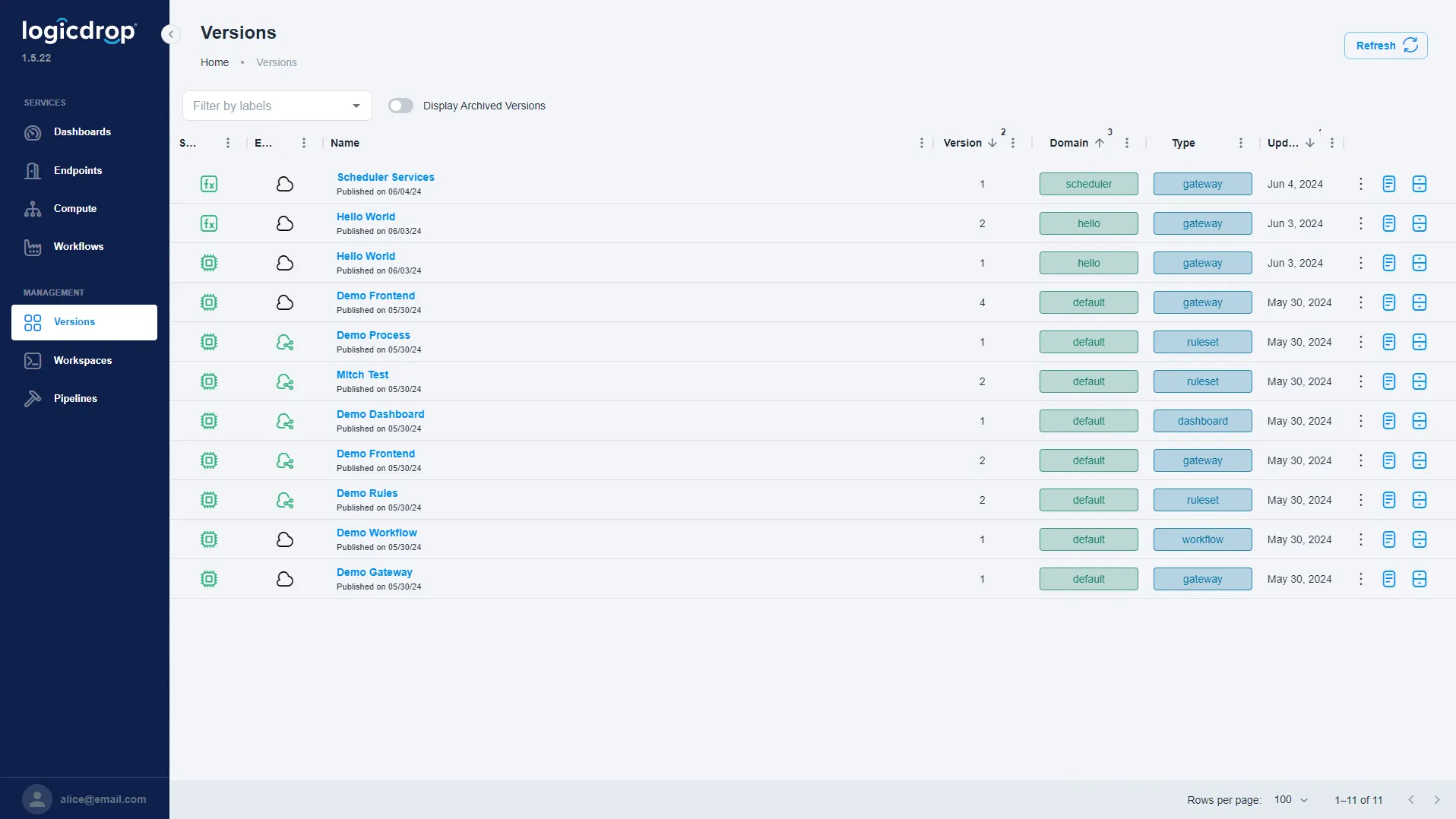
Resolve vendor IDs to parent suppliers, net credits against spend, and fill blank material groups with classification—so five purchase-order lines become categorised, deduplicated fact rows you can actually use.
- Compile purchasing and inventory history across core SAP tables
- Deduplicate fragmented vendor records into parent suppliers
- Net credits and correct misbooked spend lines
- Classify blank material groups with governed confidence scores
Opportunity map
See Where the Value Usually Sits
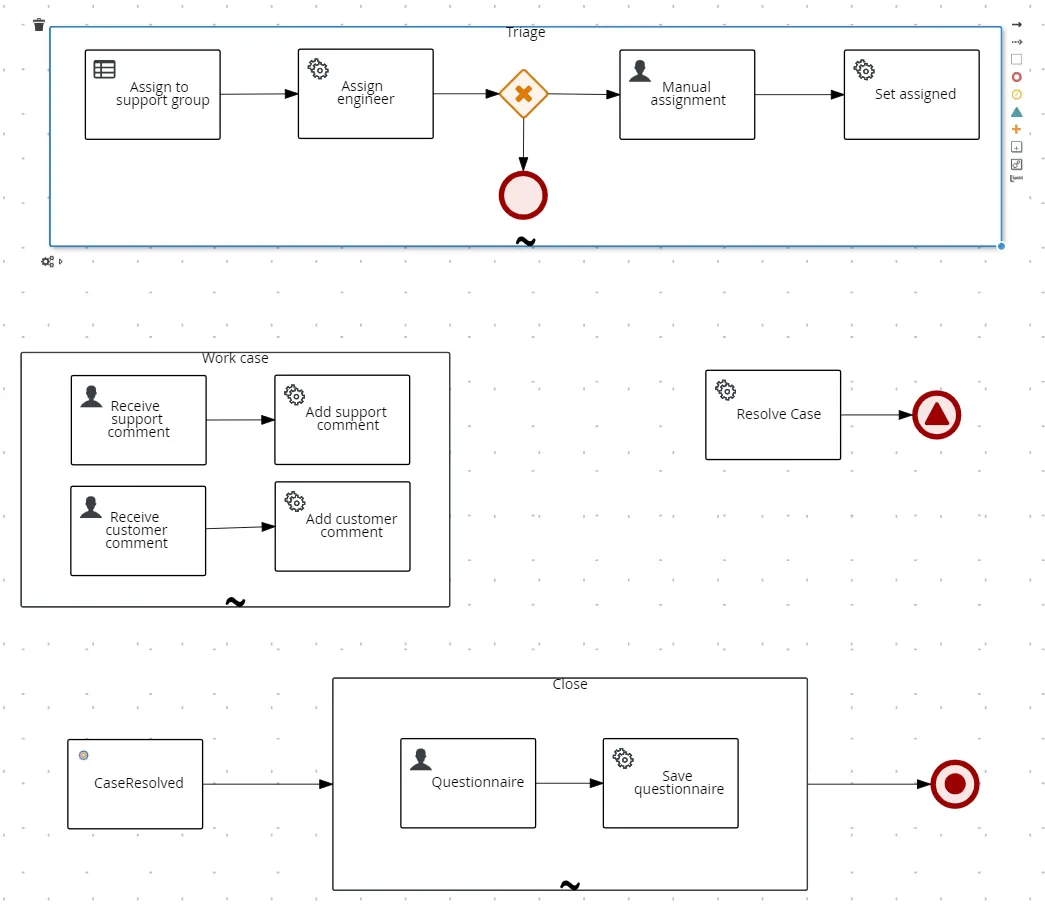
With categories and resolved suppliers in place, the same views run across the spend base—supplier fragmentation, price variance, off-contract buying, tail consolidation, and payment terms—sized against your baseline.
- Surface supplier fragmentation across duplicate vendor IDs
- Highlight price variance on comparable categories
- Spot off-contract buying and tail consolidation opportunities
- Size payment-terms and inventory levers before going to market
Connect what you run
Release Trapped Value Without Replacing SAP
Send one extract. We will show you what is inside it. Use the form above to schedule a walkthrough of your spend cube on your own data.
- No rip-and-replace of ERP or procurement suites
- One specified extract path for a first value read
- Outcomes measured against your baseline, not generic benchmarks alone
- Reuse the same governed cube for sourcing and inventory decisions
From Raw SAP History to an Actionable Spend Cube
Specify the extract, compile and classify, prove where value sits, then govern sourcing and inventory decisions on trusted facts.
- 01
Specify the Extract
Agree the five tables and history window up front so your SAP or BI team can fulfill a single, clear request.
- 02
Compile & Classify
Deduplicate vendors, net credits, fill blank categories, and assemble one fact table with confidence on each resolution.
- 03
Map the Value
Size fragmentation, price variance, off-contract spend, tail, payment terms, and redundant stock against your baseline.
- 04
Act & Govern
Feed trusted cube outputs into sourcing and inventory workflows with versioned rules—not one-off spreadsheet models.
SAP Spend Cube FAQ
Common questions about compiling SAP purchasing history into a usable spend cube.
Do we need a new procurement or analytics platform?
No. Fusion connects to SAP and related systems you already run. The spend cube makes existing history usable for sourcing and inventory decisions without a rip-and-replace.
What do you need for a first read?
Typically five SAP tables and about five years of history, specified in advance so it is a single request to your SAP or BI team.
How do you handle duplicate vendor IDs?
Vendor records are resolved to parent suppliers with confidence scores. Ambiguous matches can be reviewed under governed rules instead of silent merges.
What about credits booked as spend?
Credits are netted against spend in the cube so addressable totals reflect economic reality, not raw debit lines alone.
How are blank material groups handled?
Classification fills missing categories so every line can roll into comparable spend views. Confidence is retained for audit and review.
Are the opportunity percentages guaranteed?
No. Figures like 5–15% of addressable spend and ~30% redundant stock reduction are typical ranges. Your split is sized against your own baseline before anything goes to market.
How long does a first project take?
Many teams start with one extract and a value map. We walk through the cube in a live demo, then outline a pilot tied to your SAP landscape and priority categories.
Send One Extract. We Will Show You What Is Inside It.
Five tables, five years, specified in advance—that is often all we need for a first read on where value is trapped in your inventory and supplier base.