MRO Material Master Reconstruction
Nobody Can Find the Part, Because Everyone Named It Differently
MRO material masters build up over decades—misspellings, abbreviations, manufacturer codes in the wrong field, attributes left blank. The same bearing exists five times under five names. Logicdrop uses AI to clean, de-duplicate, and reconstruct the material master so you can see what you actually own and where it sits.
- 26,000 SAP parts cleaned and reconstructed at a $1B industrial client
- 41% inventory opportunity identified from true on-hand position
- 30% working capital released once duplicates collapse
- One SAP extract is enough to show duplication and excess on your parts
Schedule a Live Demo
Thank you!
We will be in touch with you shortly.



Measured Outcomes From a Full MRO Rebuild
Figures from a rebuild of the full MRO material master at a $1B industrial client. Clean, de-duplicated records turn the same SAP data into answers maintenance and finance can both trust.
Unsearchable inventory
When Every Storeroom Names Parts Differently, Stock Goes Missing
Storemen who cannot find a part simply buy another. Finance sees inflated holdings while maintenance expedites the same item from a different plant. Fusion rebuilds the material master so one part has one view across sites.
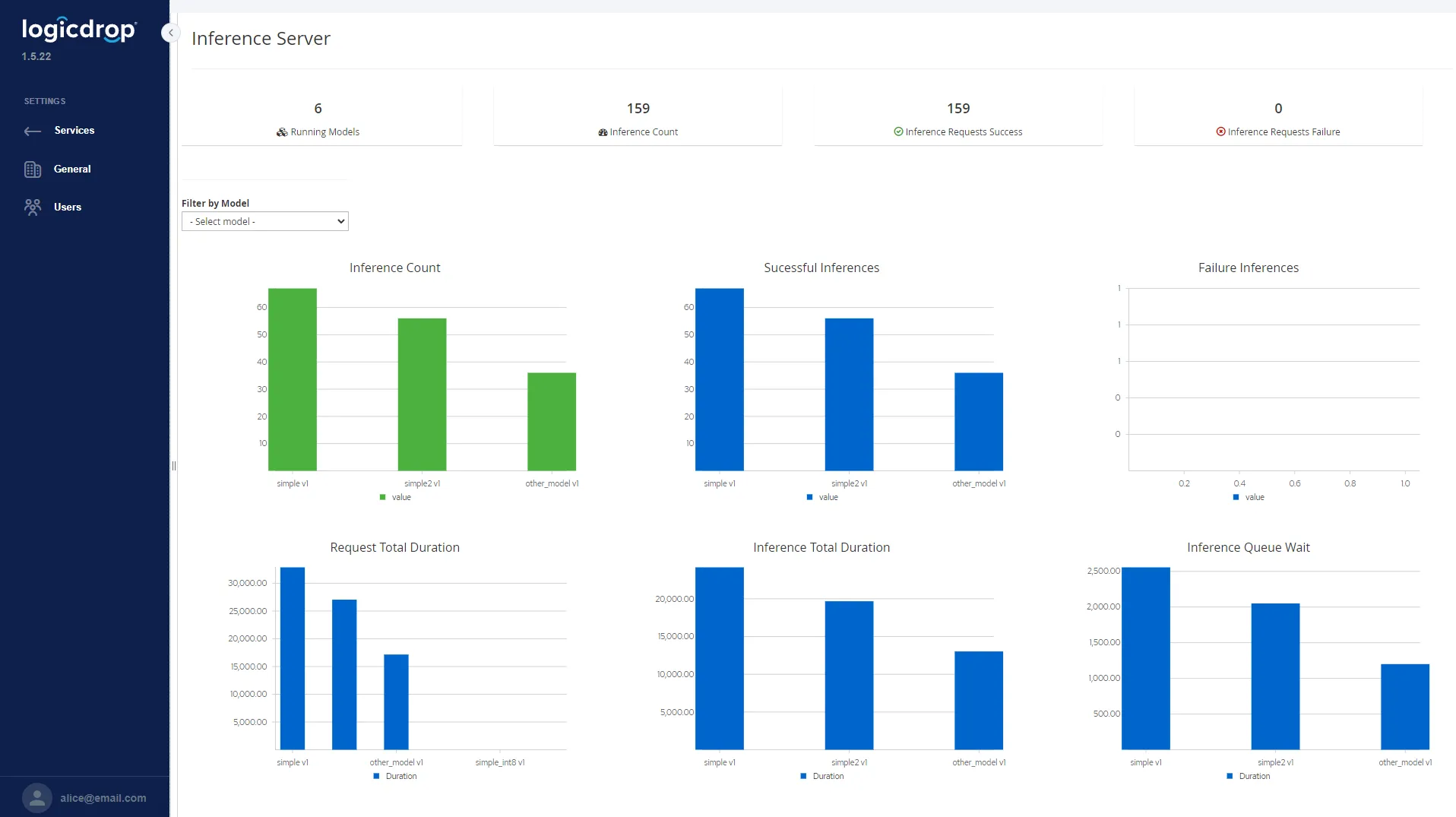
AI reconstruction
Clean, De-Duplicate, and Rebuild the Material Master
Resolve five material masters into one part. Fill blank attributes, normalize descriptions, and map manufacturer codes so every location holding that part shares a single searchable record.
- Collapse duplicate MATNRs into one governed part identity
- Enrich missing material groups, specs, and manufacturer fields
- Show true on-hand quantity and value across storerooms and plants
- Surface excess holdings against recommended levels from consumption history
True stock position
Answer the Questions Your Material Master Cannot Ask Today
Once every record is cleaned and enriched, the same data you already own starts answering where parts sit, how much you hold, what has expired, and what maintenance will need next.
- One part, one view across storerooms, plants, and sites
- Recommended holdings from consumption, criticality, and lead time
- Expired and near-expiry shelf-life items before write-off or misuse
- Dead stock lists separated from parts that move steadily enough to reorder
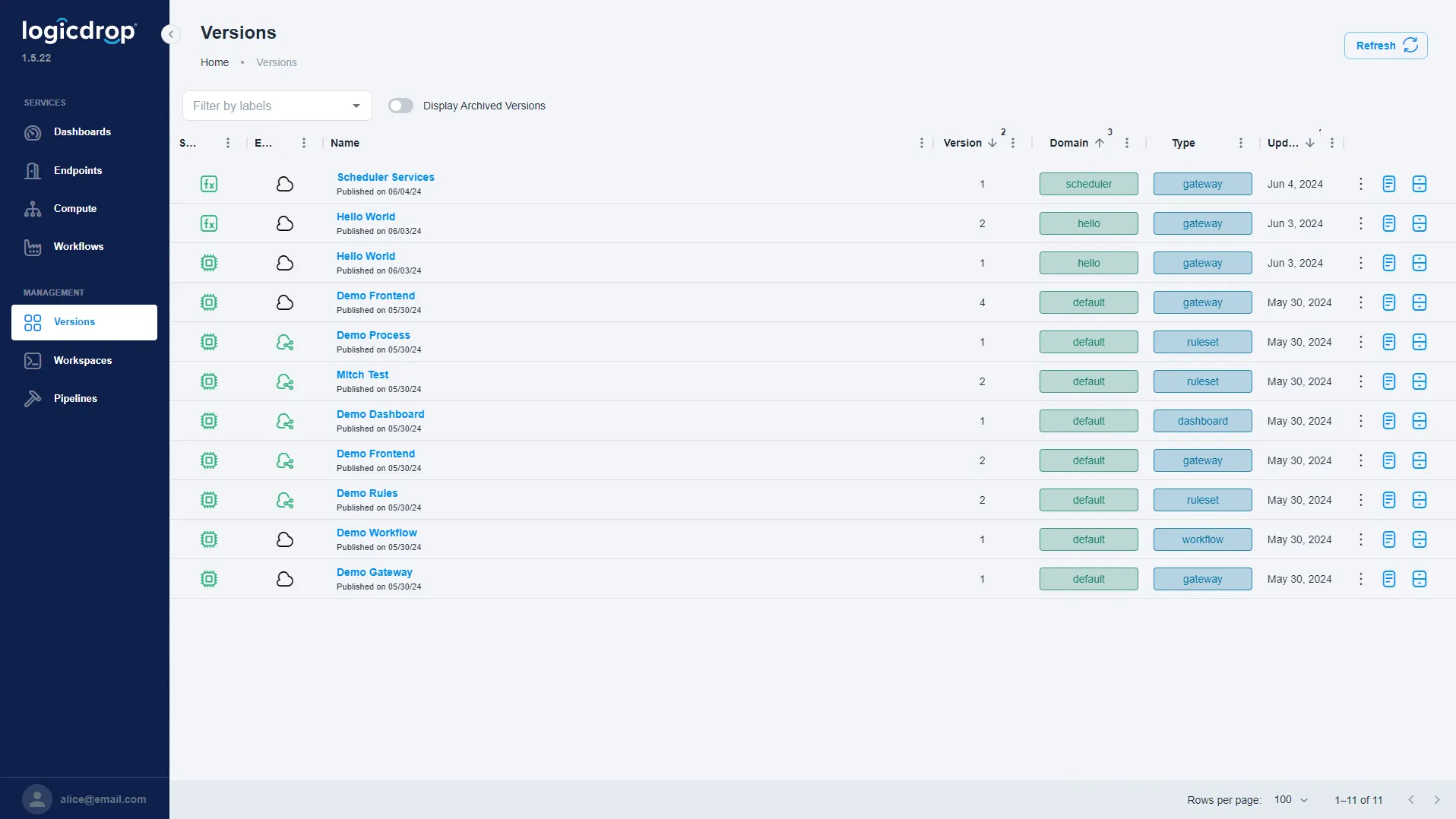
Maintenance readiness
Stock What Maintenance Will Need—Before the Work Order
Send us one material master extract from SAP. We will show the duplication, excess stock, and missing attributes across your own parts—use the form above to book a walkthrough.
- Forecast demand from consumption and failure history
- Flag genuine gaps versus excess once duplicates collapse
- Keep working capital tied to parts that actually move
- Connect to the ERP you already run—no rip-and-replace
From Messy Material Masters to Searchable Stock
Connect to SAP, reconstruct the master with AI, prove true position, then govern recommended holdings and forecasts.
- 01
Extract the Master
Pull a material master extract from SAP—enough to demonstrate duplication, blank attributes, and split holdings across storerooms.
- 02
Reconstruct Records
AI cleans descriptions, fills missing attributes, and collapses duplicate material masters into one governed part identity.
- 03
Prove True Position
See on-hand quantity and value by location once duplicates resolve, with excess and gaps measured against recommended levels.
- 04
Forecast & Govern
Use consumption and criticality to set holdings, flag expiry and dead stock, and plan what maintenance will need next.
MRO Inventory FAQ
Common questions about reconstructing MRO material masters with Fusion.
Do we need to replace SAP or our CMMS?
No. Fusion connects to the systems you already run. It cleans and reconstructs material master data around SAP so storemen, maintenance, and finance share one searchable view.
What does a first demo need from us?
One material master extract is enough to show duplication, excess stock, and missing attributes on your own parts before you commit to a wider rollout.
How do you decide two records are the same part?
Descriptions, manufacturer codes, specs, and related attributes are normalized and matched under governed rules. Ambiguous cases can be routed for human review instead of silent merges.
Will this change how people enter new parts?
Reconstruction fixes the backlog. Going forward, validation and enrichment rules can sit in front of new material creation so duplicates and blank attributes stop reappearing.
How does this free working capital?
When five masters collapse into one part, true on-hand becomes visible. Excess against recommended levels can be released without starving critical maintenance demand.
Can we see expiry and dead stock separately?
Yes. Shelf-life items past or near date are surfaced before write-off, and parts with no issue history are separated from those that move steadily enough to reorder.
How long does a first project take?
Many teams start with one plant or commodity class. We map the reconstruction approach in a live demo, then outline a pilot against your SAP landscape.
Send Us Your Material Master
We will show you what is hiding in it—duplication, excess stock, and missing attributes across your own parts—before you commit to anything.