ERP Data Validation & Enrichment
Trust Your ERP Data Again
Stop checking data in spreadsheets. Fusion checks it for you. It finds bad data and fixes mistakes. It sends hard cases to the right people. You save time and money.
- 50% minimum cost savings for clients who started using Fusion
- 10x faster resolution of data exceptions with routed queue
- 99% consistency applying the same rules across batch and real-time flows
- Weeks to a production pilot on existing ERP data
Schedule a Live Demo
Thank you!
We will be in touch with you shortly.



Measured Outcomes for ERP Data Validation
Teams use Fusion to fix fewer data issues by hand. They keep core data neat and use the same checks every time. They do this without changing their ERP.
ERP data validation
When ERP Data Is Wrong, Costs Go Up
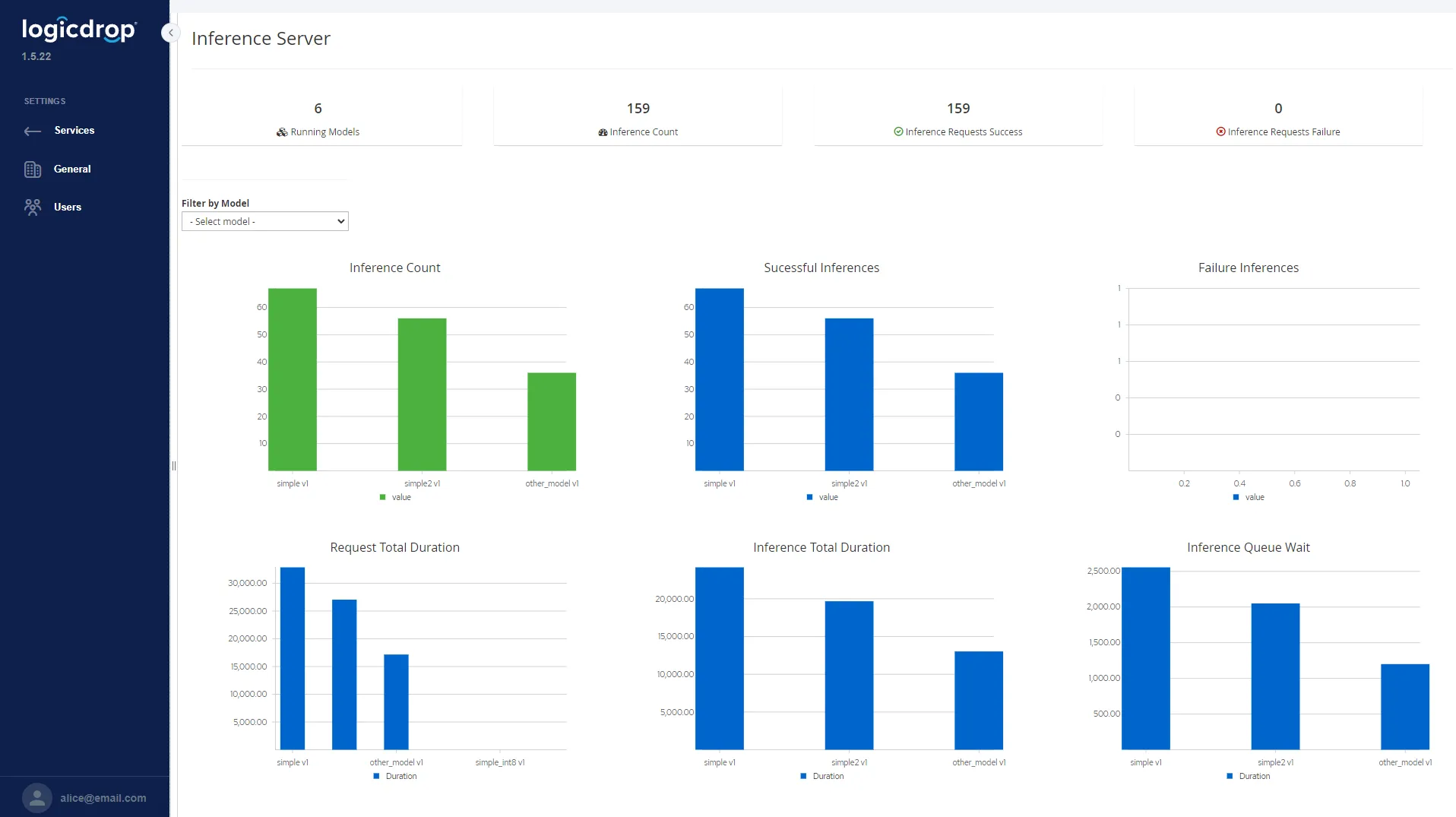
Bad master data creates duplicate customers, billing errors, and broken integrations. Fusion checks and cleans your data so your team and your tools can trust it.
ERP data validation
Stop Bad Records Before They Spread
Put a governed validation layer in front of integrations and downstream applications. Fusion checks ERP data before it reaches other systems, using the same rules every time.
- Validate required fields, formats, and cross-field consistency
- Apply conditional rules by customer type, region, and business policy
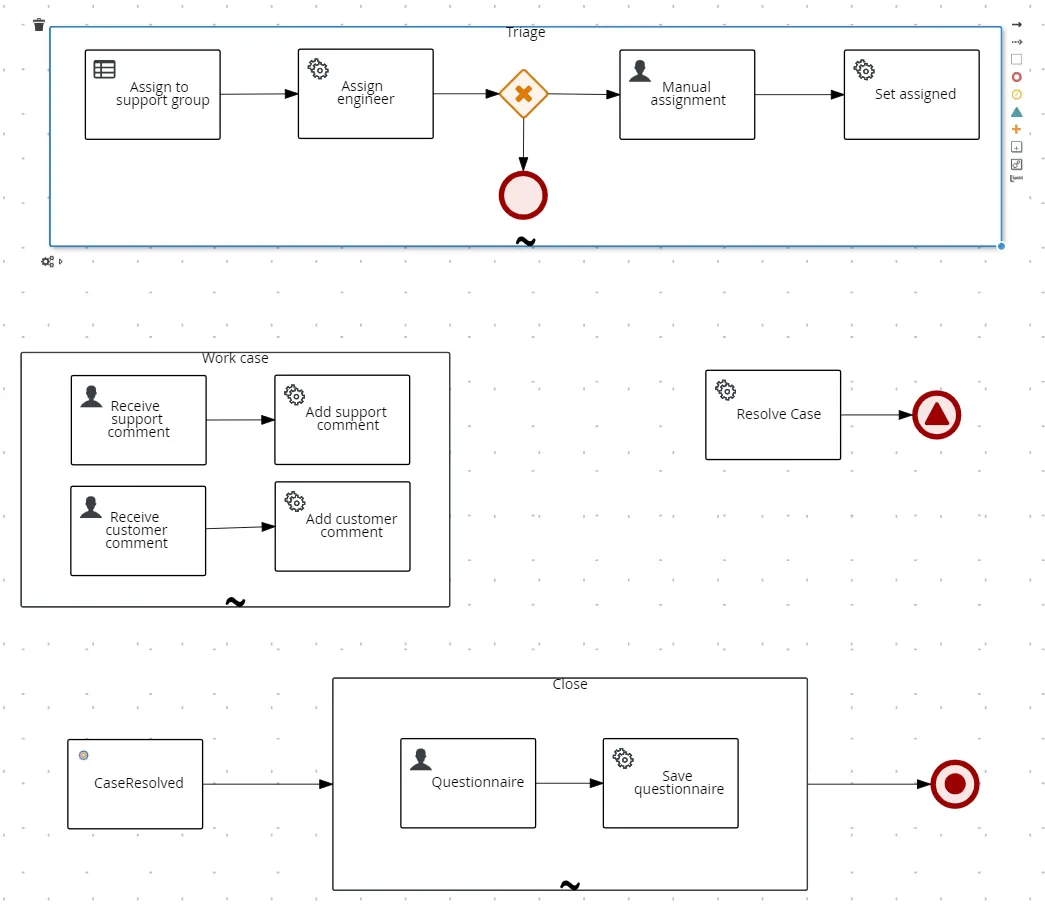
- Route exceptions to the right queue with full context for fast resolution
- Expose validation as a production-ready REST API your apps can reuse
ERP data enrichment
Standardize Master Data for Accurate Reporting
Fusion fixes and fills in data for you. Customer, supplier, and product info stays consistent across sales, web, reports, and operations.
- Normalize names, addresses, and key identifiers across sources
- Detect and resolve duplicates using governed match rules
- Enrich records with attributes needed for routing and segmentation
- Automate exception workflows instead of spreadsheet cleanup
Built for ERP constraints
Improve Data Quality Without Rewriting Your ERP
Fusion connects to your ERP databases and the applications that depend on them—no rip-and-replace. Use the form above to walk through validation on your data in a live demo.
- No ERP rewrite required: connect to systems of record and keep data where it belongs
- Handle messy inputs with rules, normalization, and exception routing—not spreadsheets
- Visual tools for workflows and rules that both business and IT can use
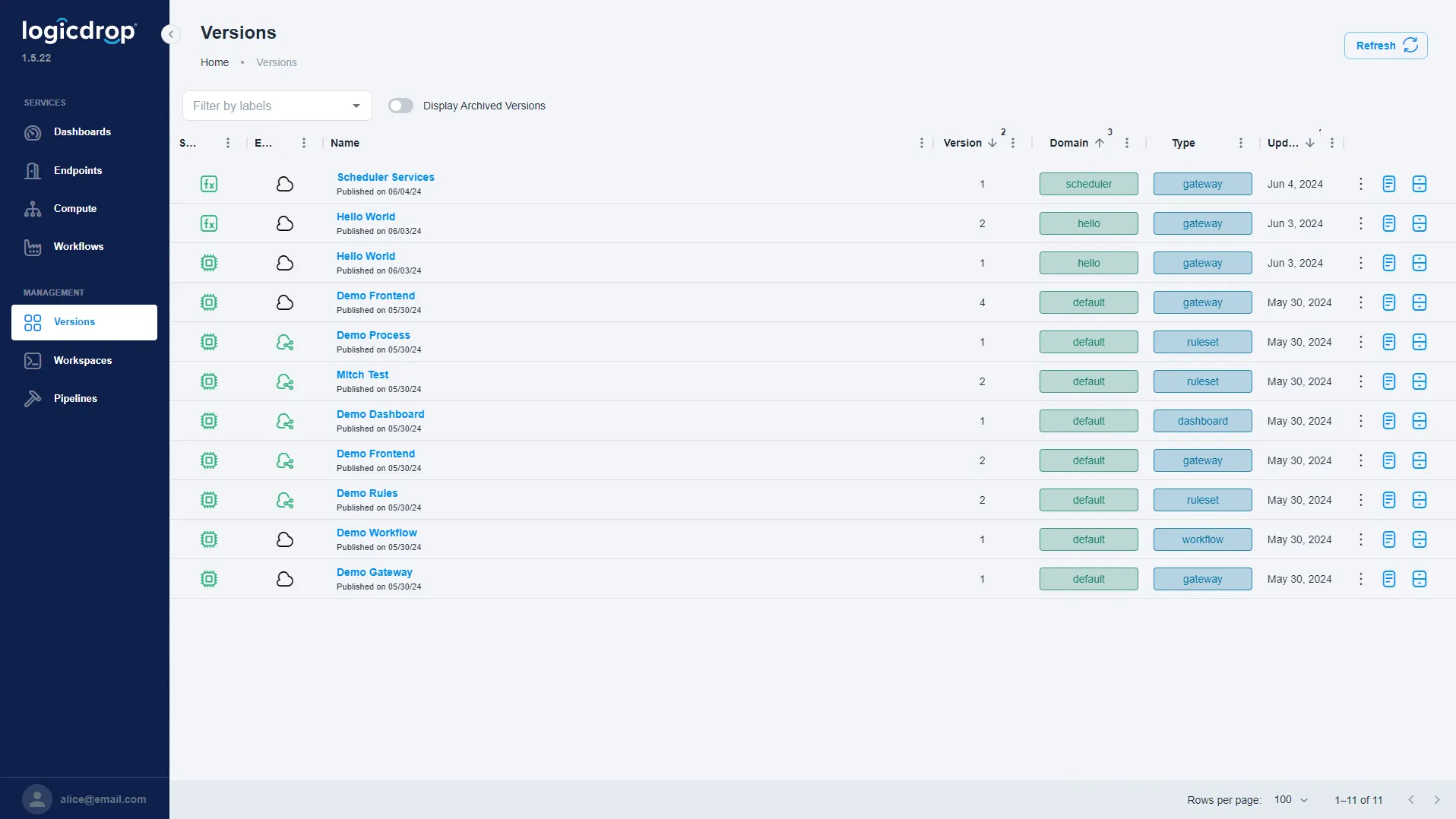
- Audit-ready change control with versioning, testing, and rollbacks
From Spreadsheets to Governed ERP Data
Map where bad data enters, define validation rules, connect Fusion to your ERP landscape, and promote trusted checks to production.
- 01
Audit Processes
Trace how data enters your ERP and where manual fixes happen today—duplicates, format errors, and missing fields.
- 02
Define Rules & Workflows
Build validation, dedupe, and enrichment rules with screens business and IT can maintain together.
- 03
Connect Your Systems
Connect Fusion to ERP databases and consuming apps. Run checks on a schedule or in real time without copying systems of record.
- 04
Deploy & Manage
Ship versioned APIs, monitor outcomes, roll back when needed, and route exceptions as rules evolve.
ERP Data Validation FAQ
Common questions about validating and enriching ERP data with Fusion.
Do we need to replace or rewrite our current ERP system?
No. Fusion connects to the main systems you already use. It checks data, improves it, and handles problem records around your ERP. You do not need a big replace-everything project.
What ERP systems can Fusion connect to?
Fusion connects to the data behind your ERP, not the screens your team uses. We often work with SAP (ECC and S/4HANA), Oracle (E-Business Suite and ERP Cloud), Microsoft Dynamics (365, GP, and Business Central), Infor, NetSuite, IBM i (AS/400), Sage, and other main data systems. If yours is not on the list, talk to our team. We will check if Fusion works for your setup.
Can Fusion validate data in batch and in real time?
Yes. You can turn trusted rules and workflows into APIs. Other apps, scheduled jobs, and connected systems can use the same checks and fixes right away or on a schedule.
How do teams handle exceptions and bad records?
When data fails a check, Fusion sends it to the right people. They see what went wrong and can fix it fast. No more fixing rows in spreadsheets days later.
How is change managed for data quality rules?
Rules and workflows are versioned, testable, and promotable—similar to software. If something goes wrong, you can undo it when business rules change or after a bad release.
What master data domains does this cover?
Teams often begin with customers, suppliers, and products. Fusion fixes names and numbers, spots duplicate records, and adds what is missing—then sends clean data to the apps that need it.
How long does a typical pilot take?
Many teams start with one important project first. Examples include checking data before it syncs or finding duplicate records. We map rules in a live demo, then outline a pilot based on your ERP landscape.
Ready to Validate Your ERP Data?
Schedule a live demo. We will walk through your validation scenarios, show governed workflows, and outline a pilot plan.