Excel to Rules & Workflows
Stop Running Your Business on Spreadsheets
Complex Excel files hide key steps. Many people keep their own copies. Fusion turns that math into clear rules and workflows. Then your other tools can use the same answers.
- 50% minimum cost savings for clients who started using Fusion
- 10x faster fixes when complicated cases go to the right people
- 99% same answers across your teams and systems
- Weeks to try it on your riskiest spreadsheet
Schedule a Live Demo
Thank you!
We will be in touch with you shortly.



Real Results From Leaving Fragile Spreadsheets
Teams use Fusion to stop relying on fragile Excel files. They share the same rules as APIs. They change those rules safely. They do this without rebuilding their main systems.
Spreadsheet risk
When Key Steps Live in Excel, Trouble Grows
People save their own copies. Important math hides in cells. Changes go out with no clear record. Fusion pulls that logic into shared rules so everyone uses the same source.
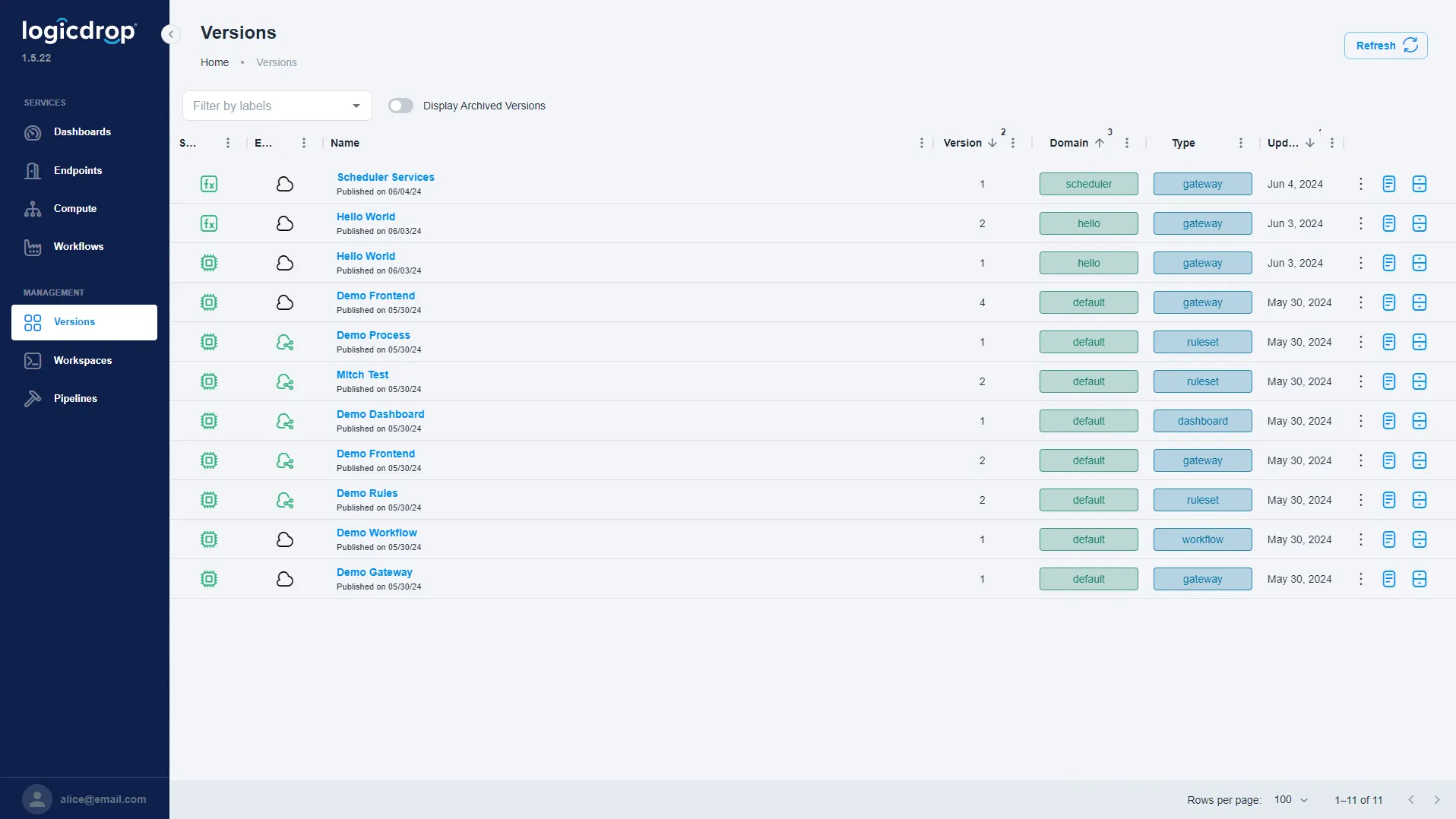
One shared source
Stop Version Mix-Ups From Local Spreadsheets
Stop people working from different copies of the same file. Fusion keeps the math and decisions in one place. Every team and tool gets the same rules—not emailed files named final_v3.
- Replace local Excel copies with one shared set of rules
- Give every team the same answers from the same version
- Send hard cases to the right people instead of emailing files
- Keep key know-how out of one person’s private files
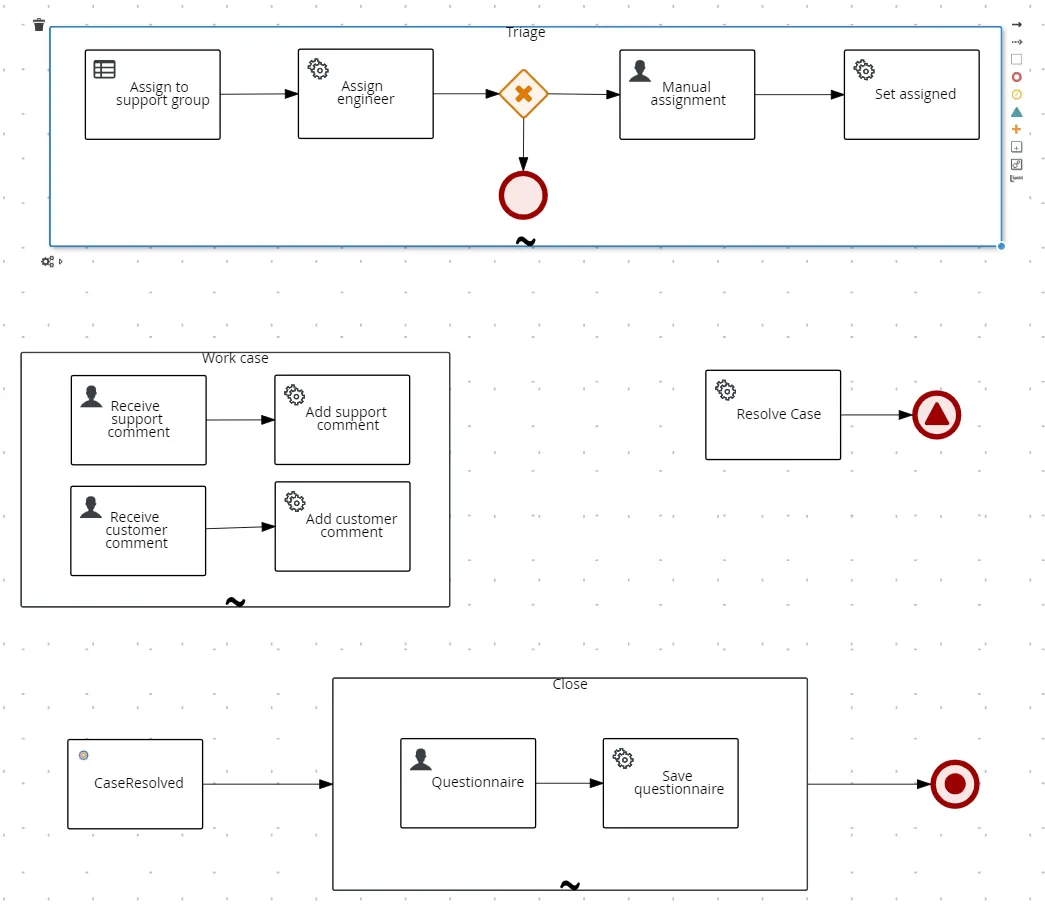
Clear business logic
Turn Spreadsheet Math Into Rules and APIs
Take hard formulas and macros out of Excel. Put them into rules and workflows you can see. Then apps and teams can reuse the same logic without opening a spreadsheet.
- Move hard spreadsheet math into clear rules and workflows
- Show how decisions work—so it is not buried in cells
- Share trusted logic as APIs other tools can call
- Handle more work than Excel can when many people use it
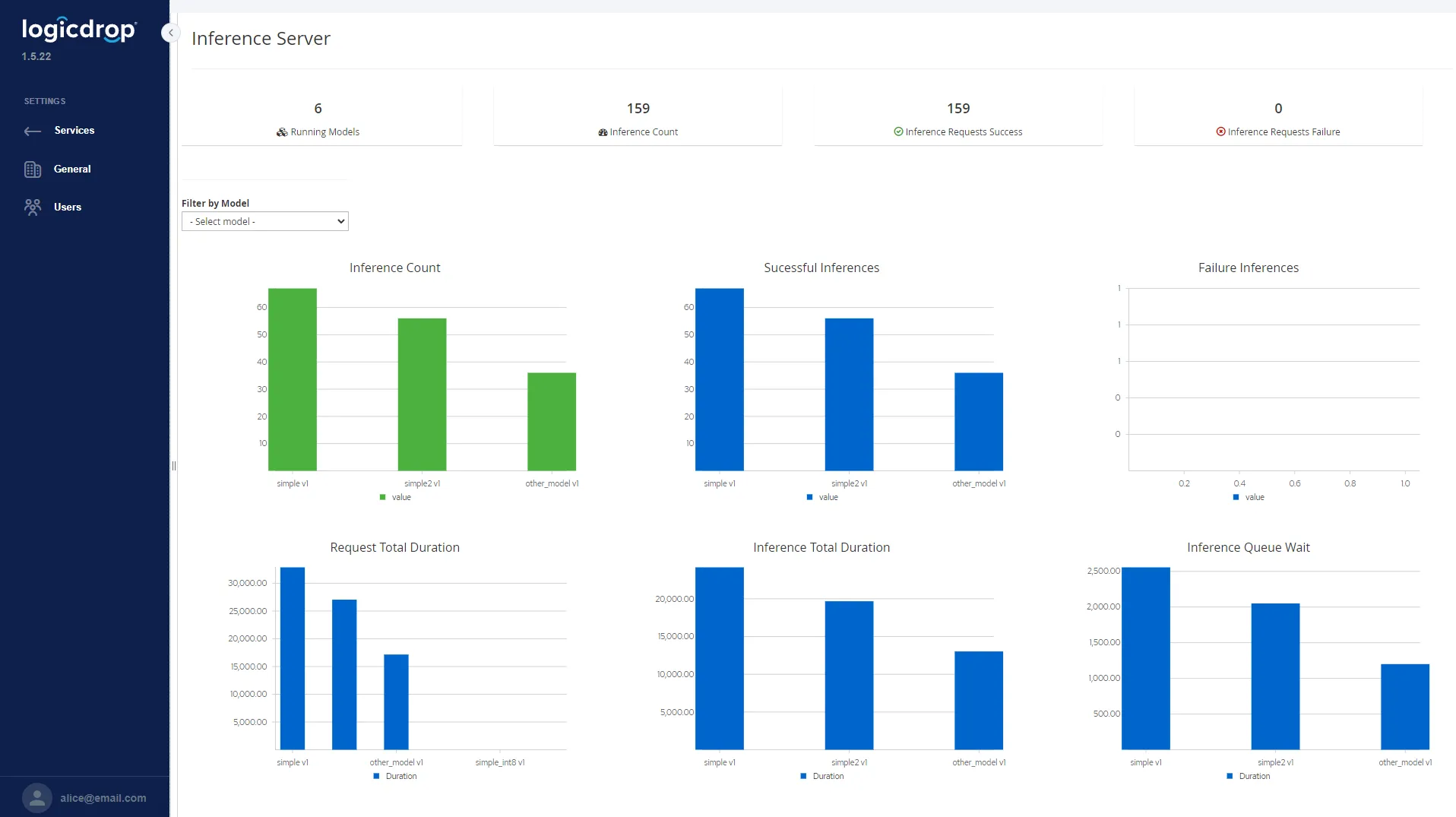
Safe changes
Ship Business Logic Changes When You Need Them
Fusion plugs into the systems you already use. You do not replace them. Use the form above to see a spreadsheet-to-rules walkthrough in a live demo.
- Test rule changes, then ship them when you are ready
- Undo a change fast if something goes wrong
- Keep a clear record of why a number or choice changed
- Work in simple visual tools—not buried macros
From Spreadsheets to Clear Rules
Find the key Excel files. Turn the math into rules and workflows. Share them as APIs. Ship changes with version control.
- 01
Find Key Spreadsheets
Spot the Excel files your business depends on—like pricing or who qualifies. See where people keep different copies today.
- 02
Build Rules & Workflows
Recreate the formulas as visual rules. Business and IT can keep them up to date. Hard cases go to the right people—not into email chains.
- 03
Share as APIs
Publish the same logic as APIs. Connect the apps and jobs that need it. Excel is no longer the place that does the math.
- 04
Ship & Manage
Release clear versions. Watch the results. Undo when needed. Update the rules as your policies change.
Excel to Rules FAQ
Simple answers about moving spreadsheet math into Fusion rules and workflows.
Do we have to stop using Excel?
No. Many teams still use Excel to look at numbers and make reports. Fusion becomes the place that stores the real math and decisions. Spreadsheets stop being where key steps live and drift apart.
Do we need to rebuild our main systems?
No. Fusion connects to what you already use. You move spreadsheet logic into shared rules and APIs around those systems. You do not rip everything out and start over.
Who owns the rules after we move?
Business and IT can share them. Rules and workflows are easy to see and have versions. Experts can review the logic without digging through cells, macros, or private file copies.
How do we publish changes to business logic?
Change the rules in Fusion. Test them. Then ship a clear version. If something goes wrong, you can undo it. Everyone uses the published version—not an emailed workbook.
Can other systems use the same logic?
Yes. Trusted rules and workflows become APIs. Other apps and jobs reuse the same decisions—right away or on a schedule.
How does this help with audits?
You can see which rule version ran, what changed, and when it shipped. That is much clearer than trying to rebuild answers from old email attachments.
How long does a first project take?
Many teams start with one important spreadsheet—like pricing or who qualifies. We map the logic in a live demo. Then we sketch a short pilot based on your work and systems.
Ready to Cut Spreadsheet Risk?
Book a live demo. We will walk through one key spreadsheet, show how Fusion turns it into rules and APIs, and sketch a pilot plan.